 OpenStore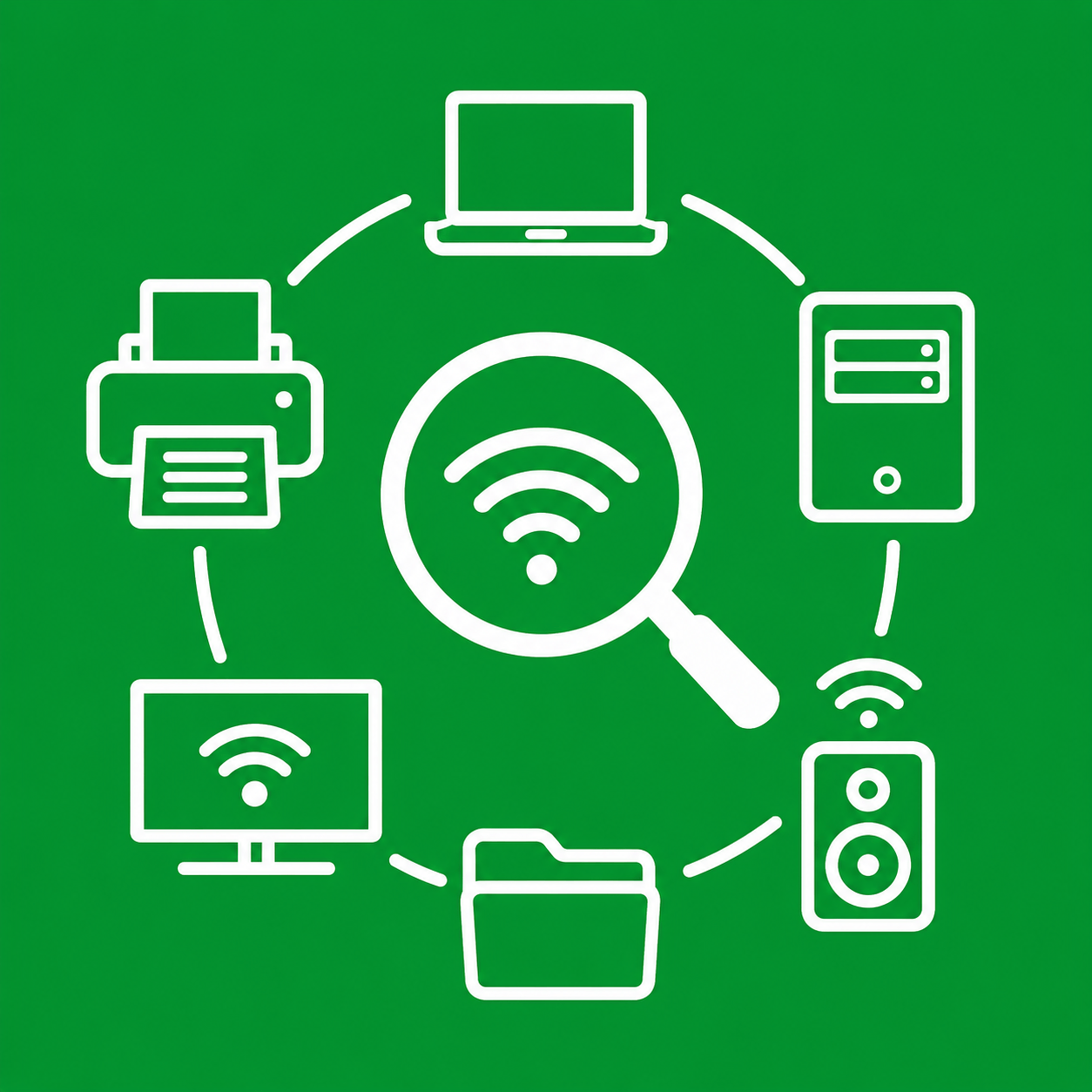
- 2
- 0
- 0
- 0
- 0
About LAN Explorer
LAN Explorer discovers devices and services on the Wi-Fi/local network from Ubuntu Touch. It is vibe coded using AI.
Use it to find:
- IPP/IPPS printers and network scanners
- SMB/file-server hosts and share names when they are advertised
- UPnP media devices, speakers, TVs and media servers
- HTTP/HTTPS services
- SSH/SFTP services
- Home Assistant, Cast, AirPlay and other DNS-SD services
- Windows/Samba devices visible through WS-Discovery or NetBIOS
Tap Scan LAN to start. LAN Explorer does not scan continuously in the background. Results can be filtered by name, IP, host or service and grouped using the Printers, SMB, Media and Network tabs.
SMB note: LAN Explorer does not ask for SMB credentials or log in to file servers. It shows SMB hosts and share/volume names when the network device explicitly advertises them. Protected or non-advertised share names may therefore not appear.
Local network discovery depends on the Wi-Fi configuration. Guest/client isolation, VLAN separation or multicast filtering can prevent devices from seeing each other.
Privacy and design:
- local discovery only after you press Scan LAN
- no analytics, advertising or tracking
- no account
- no stored network credentials
- no developer-operated cloud service
- no subnet-wide port scan
- confined Ubuntu Touch app using only the networking permission
- dark and light mode
For implementation details and all design decisions, see README.md in the source package.
LAN Explorer is an independent open-source application released under MIT-0.
This app is vibe coded using AI assistance.
MIT No Attribution
Copyright 2026 Barry de Graaff
Permission is hereby granted, free of charge, to any person obtaining a copy of this software and associated documentation files (the "Software"), to deal in the Software without restriction, including without limitation the rights to use, copy, modify, merge, publish, distribute, sublicense, and/or sell copies of the Software, and to permit persons to whom the Software is furnished to do so.
THE SOFTWARE IS PROVIDED "AS IS", WITHOUT WARRANTY OF ANY KIND, EXPRESS OR IMPLIED, INCLUDING BUT NOT LIMITED TO THE WARRANTIES OF MERCHANTABILITY, FITNESS FOR A PARTICULAR PURPOSE AND NONINFRINGEMENT. IN NO EVENT SHALL THE AUTHORS OR COPYRIGHT HOLDERS BE LIABLE FOR ANY CLAIM, DAMAGES OR OTHER LIABILITY, WHETHER IN AN ACTION OF CONTRACT, TORT OR OTHERWISE, ARISING FROM, OUT OF OR IN CONNECTION WITH THE SOFTWARE OR THE USE OR OTHER DEALINGS IN THE SOFTWARE.
Recent Changes
Permissions
- Networking
Community Built
This app has been released under the Public Domain license.It is developed in the open and you can review the source code.
Info
Published Date
Aug 18, 2026
Updated Date
Aug 18, 2026
Current Version
0.1.1
Total Downloads
270
Latest Version Downloads
270
Supported Architectures
arm64
Links
Source Code
Support
Donate
Reviews
vladnirky
Reviewed Aug 18, 2026 for version 0.1.1
Cool tool!
saveurlinux
Reviewed Aug 18, 2026 for version 0.1.1
Very nice application, congratulation